
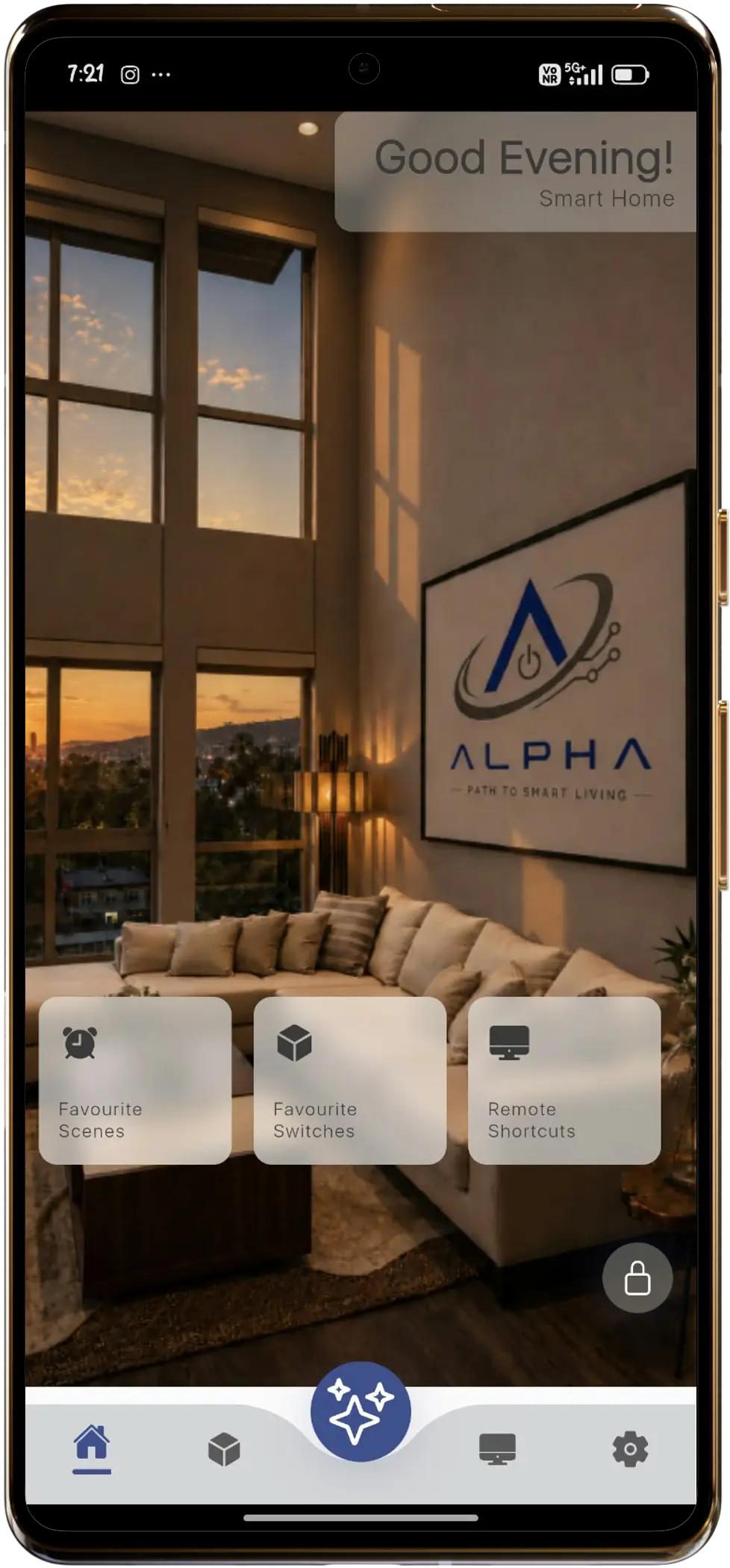
The ALPHA Living App translates invisible complex infrastructure into a clean, tactile interface. Manage lighting matrices, invisible sound arrays, and zoned climate controls through a beautifully structured, responsive console designed for iOS and Android.
Download ALPHA Living App
Scan the QR code with your smartphone camera to download instantly, or click the download button for your platform.
2. Getting Started
This guide explains how to set up your home, add devices, and use every major feature of the app. Follow the steps exactly as shown for smooth installation and operation.
1. Download & Launch App
Download the app from Play Store or App Store. Open the app and tap Sign Up to create a new account.
Available for iOS 16.0+ & Android 11.0+. Existing users can log in directly with registered credentials.
Install, Sign Up / Login Quick Reference
Exact step-by-step checklist to initialize your home in the app.